





Motion.page · Visual animation builder
Free moving backgrounds, born in Canvas.
A gallery of animated backgrounds for websites, exported as seamless loops from Canvas. Watch every loop right here, download it free, and when one is almost right, open it in Canvas and make it yours.
Get instant access
Loved by 6,000+ designers.
Pick a scene. Watch it move.
Call them moving backgrounds, motion backgrounds, or animated backgrounds: every card plays the exact loop you download. Each one is a seamless 12 second MP4 at 1080p and 30fps, exported from Canvas and compressed for hero-background use.
Animated gradient backgrounds
Slow color fields that keep a hero calm while it moves. The quiet workhorses of ambient design.

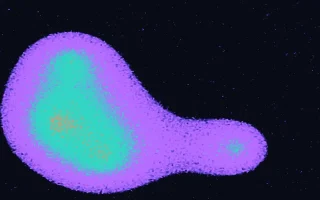




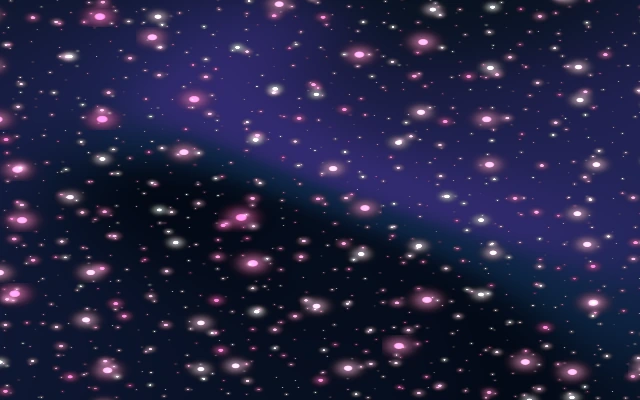
Animated space backgrounds
Nebulae, event horizons, and star fields rendered in real time, not looped from stock footage.

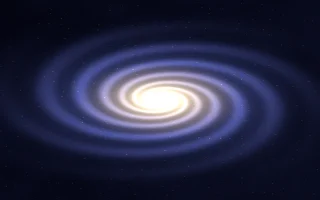

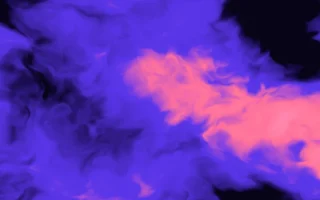

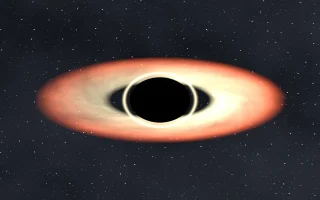


Particle backgrounds
Drifting points, orbits, and organic noise fields that give a section depth without stealing focus.







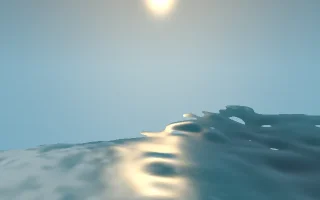
Nature and atmosphere backgrounds
Weather, light, and water. Simulated atmospheres that read as filmed footage until you recolor them.




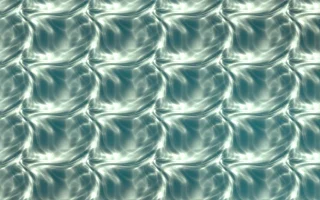
Liquid and silk backgrounds
Marble flows and ribbon folds for pages that want texture and movement in the same surface.



How were these moving backgrounds made?
Every loop on this page was built in Canvas, the WebGPU visual editor inside Motion.page. Each background is a procedural scene rendered in real time by the GPU: layers you animate with keyframes on a real video timeline, with far more presets and effects than the scenes shown here.
A scene leaves Canvas two ways. Export it as a video, which is what you download on this page, or publish it as a live WebGPU embed that renders in your visitors' browsers. The animated background at the top of this page is exactly that: one of these scenes running live, not a video file.
- 94 layer types
- 49 content and media layers plus 45 stackable effects. Every background on this page started as one of them.
- Keyframes on a real timeline
- Animate any layer property on a video timeline with easing and scrubbing, not a folder of fixed presets.
- Two ways out
- Export MP4, GIF, and stills, or publish the scene as a live WebGPU embed on your own site.
- Direct it with AI
- Describe the scene, then refine layers, effects, and keyframes yourself.

Works with every platform you already use



















Design your own moving background: Canvas gives you every layer, keyframe, and color these were made with.
Questions about moving backgrounds.
How do you get a background that moves?
Pick any background on this page: every card is already playing its loop. Download it and set it as a background in any site builder, or open it in Motion.page Canvas, adjust colors, speed, and layers, and publish it as a live embed.
What are moving backgrounds called?
You will meet several names for the same idea: animated backgrounds, motion backgrounds, live backgrounds, or ambient loops. On websites they are usually implemented as a looping video, a CSS animation, or a real-time WebGL or WebGPU scene.
How can I get free moving backgrounds?
Every background in this gallery is free to download as a video loop. If you want a variation that fits your brand, open the scene in Canvas, change what you like, and export your own version.
Are these backgrounds free for commercial use?
Yes. Download any loop and use it in personal and client projects alike, no attribution required. The scenes stay editable in Canvas, and versions you export yourself carry the same terms.
Where can I find moving backgrounds for a website?
Stock sites offer fixed video loops you cannot change. Every loop here comes from an editable Canvas scene: open it in the editor, retime it, recolor it, and export it at the exact resolution your layout needs.
Do moving backgrounds slow down a website?
They cost something, so spend it deliberately. A compressed, muted video loop is cheap to play and fine for most heroes; keep it short, lazy-load it below the fold, and give it a poster image. Live WebGPU embeds render on the visitor's GPU and belong in the one section where motion carries the design.
Can I use these backgrounds in WordPress or Elementor?
Yes. Download the loop and set it as a section or hero background in Elementor, Bricks, Divi, or any theme that accepts video backgrounds. If you publish from Canvas instead, you get an embed that stays live rather than a flattened video.
Want one that is entirely yours? Get Canvas →
August offer20% off any Motion.page plan.Monthly or yearly. Applied automatically at checkout.
Use codeAUGUST20
Pick your creative weapon.
Animations, shaders, or both. Flat pricing, no per-seat math.
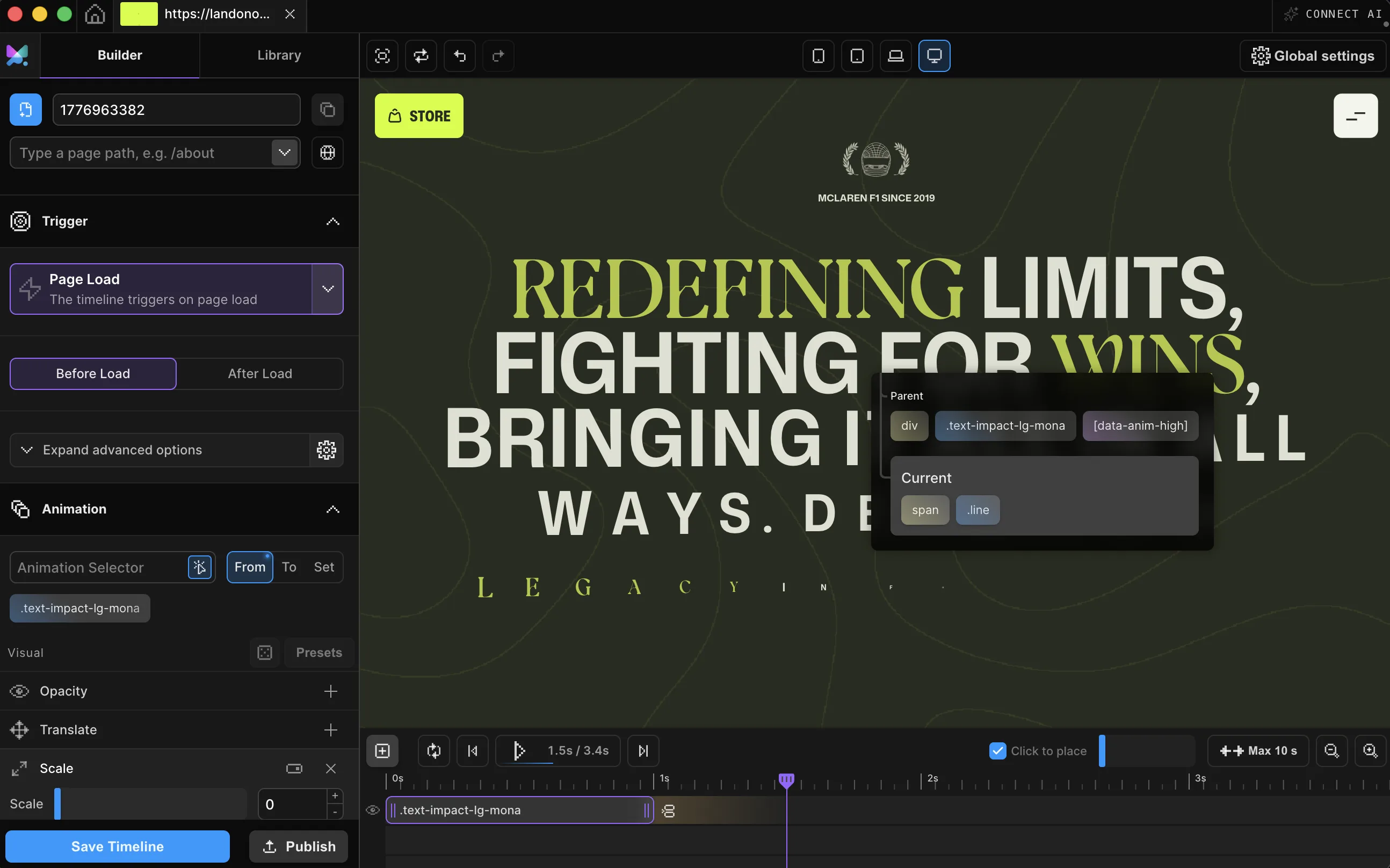
Visual animation builder
Builder
Unlimited projects
Unlimited WordPress sites
Unlimited desktop projects
CDN and local code
All Builder features
€149€119.20/ year−20%
Code AUGUST20 · €9.93/mo billed yearly
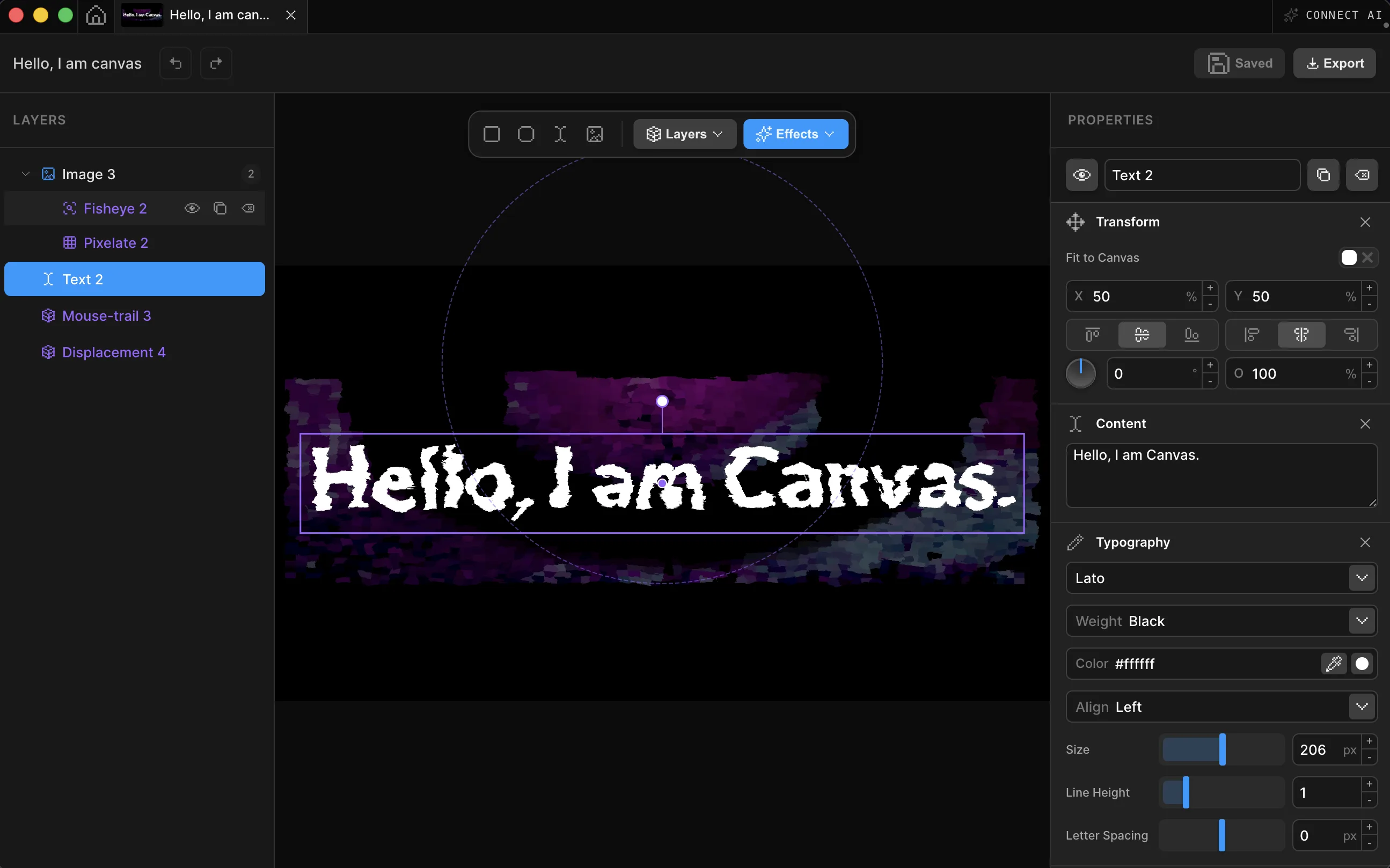
WebGPU shader editor
Canvas
WebGPU-based shader editor
Unlimited canvases
Publish with CDN
Export to code, image or video
All Canvas features
€149€119.20/ year−20%
Code AUGUST20 · €9.93/mo billed yearly
Builder + Canvas combined
Bundle
Everything in Builder
Everything in Canvas
Priority support
Best value
€298 bought separately
€199€159.20/ year−20%
Code AUGUST20 · €13.27/mo billed yearly