



Bring a video
Drop any clip into the Builder and it's transcoded into an optimized image sequence on the spot. Already have numbered frames? Upload the whole batch at once.
The frame-by-frame effect behind premium product pages, playing back as visitors scroll. Drop in a video, connect scroll, and publish: no code required.
Meet Motion.page: All-in-One platform for web animation · YouTube
Everything that usually makes image sequences painful (exporting frames, preloaders, canvas code, progress math) is one visual workflow in the Builder.
Drop any clip into the Builder and it's transcoded into an optimized image sequence on the spot. Already have numbered frames? Upload the whole batch at once.
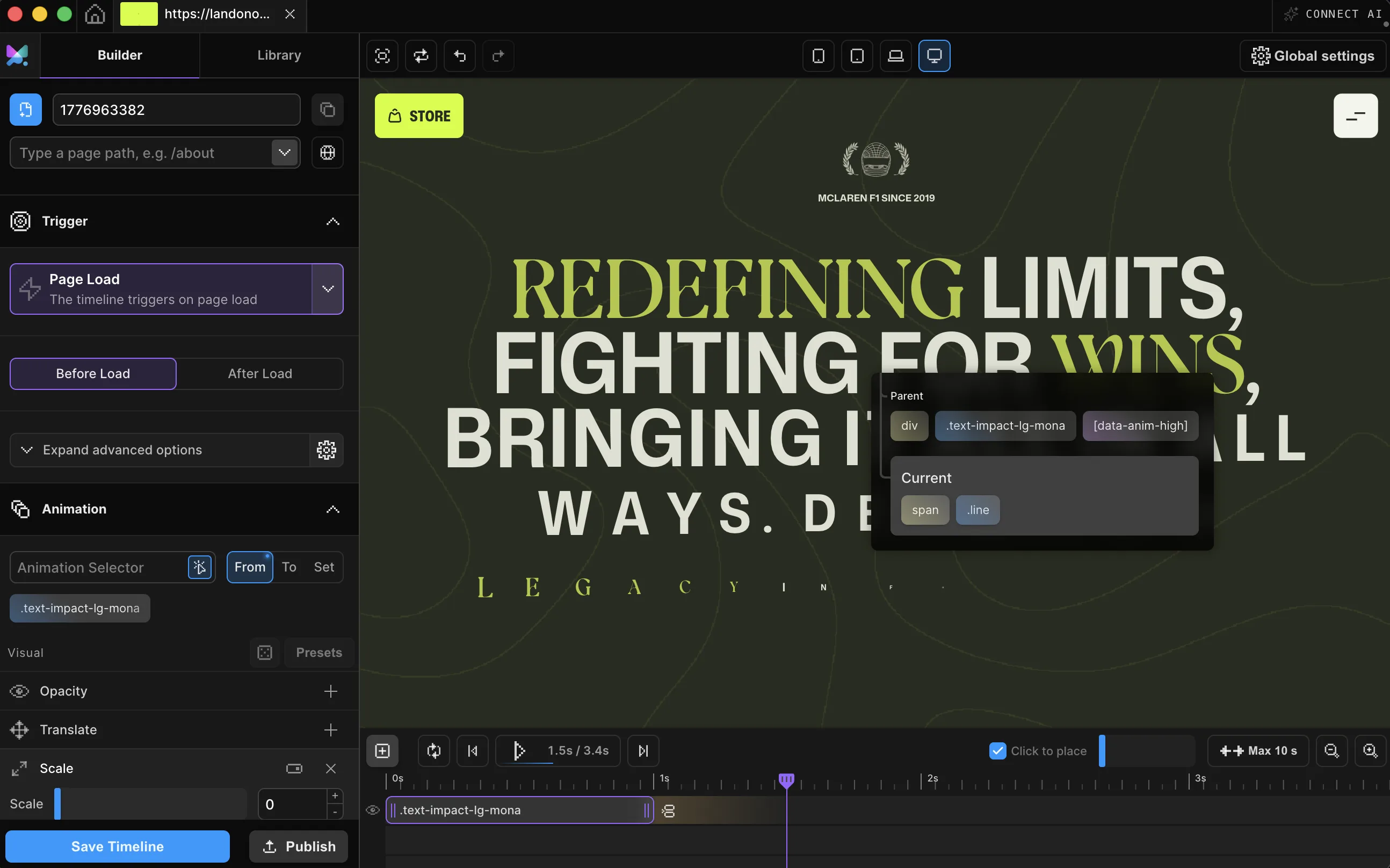
Link the sequence to scroll and it scrubs frame-by-frame as visitors move. Or play it on page load, click, or hover. It's one dropdown.
Push it live from WordPress or Desktop as clean code on your own site, with nothing extra to install and nothing to maintain.


Add Image Sequence to any element and direct it like everything else in Motion.page: frame range, image fit, fallback, playback. You preview against your real page while you work. Read the guide

Works with every platform you already use



















How a sequence is triggered changes how it feels. Pick the behavior from the timeline without rewiring anything or writing new code.
Frame-by-frame under the visitor's finger, the classic product-page effect.
Run the sequence as an entrance: once, or on a loop.
Make it respond to interaction, exactly where it happens.
Different playback, or none at all, on phones, tablets, and desktops.
You just scrolled through that sequence at the top of the page. Attach the same scroll-to-frame behavior to your own footage from the same trigger dropdown.
Sixty frames don't have to cost you a slow site. The Builder ships every sequence with loading behavior tuned for real visitors.
An image sequence animation displays a series of still frames in order, one at a time, so it reads as continuous motion, the same principle as a flipbook or an old film reel. Instead of a video file, the browser draws the current frame to a canvas element based on timeline or scroll progress.
The frames can come from a video Motion.page transcodes for you, or from a batch of numbered images you upload directly. Once the sequence has frames, it can play on a scroll trigger, where the frame advances with how far the visitor has scrolled, or on page load, click, or hover instead.
Because a sequence can carry dozens of frames, Motion.page loads them progressively, decoding the first frame immediately while the rest streams in the background, and can skip every second frame on tight connections. Published code runs on the site itself with zero dependencies.
It is a series of still-image frames displayed in order. Motion.page maps timeline or scroll progress to the current frame and draws the result to a website canvas.
Yes. Connect the sequence timeline to a scroll trigger, enable scrub, choose the start and end positions, and pin the section when the composition needs it.
Yes. Motion.page can transcode a video into an image sequence, or you can upload a prepared set of numbered images.
No. Select the canvas, add the sequence, choose its range and fit, then control playback from the visual timeline.
You can. Image sequences are a well-known technique, but exporting frames, preloading without blocking the page, writing the scroll-to-frame progress math, and handling slow connections are where hand-rolled versions tend to go wrong. The Builder handles all of that: progressive loading decodes the first frame immediately and streams the rest in the background, frame skipping serves every second frame on tight bandwidth, and reduced-motion visitors get a still frame instead of a broken canvas.
Yes. Image Sequence is available in both the Motion.page WordPress and Desktop Builder. The canvas element works the same whether it sits in a Gutenberg block, an Elementor section, or a Bricks or Divi layout.
Timelines published as local code live in your own site and keep running; they don't phone home. CDN-hosted delivery (where we host and serve the animation file for you) and further editing require an active license.
Still deciding? Compare plans →
Animations, shaders, or both. Flat pricing, no per-seat math.
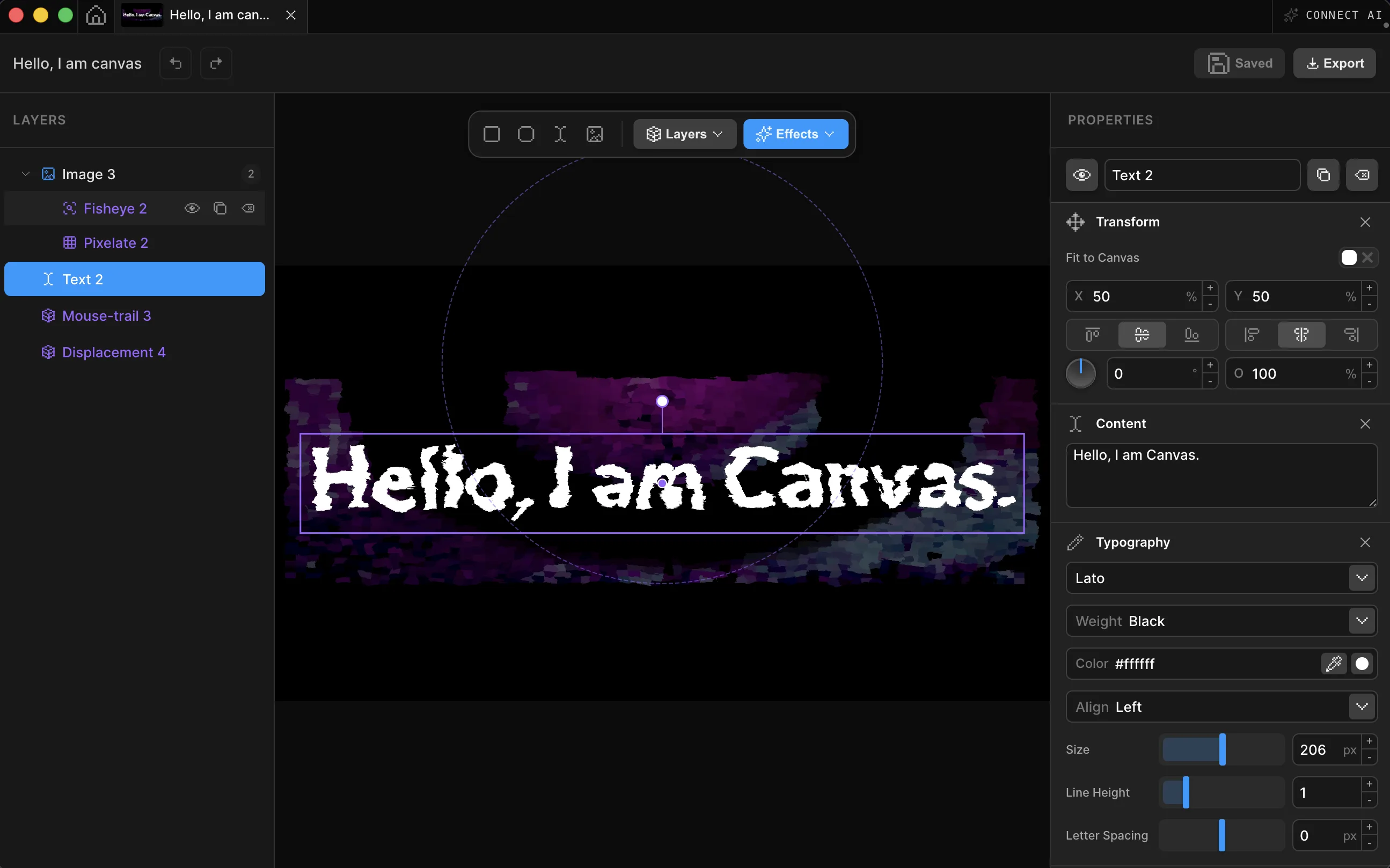
Instant access, in Motion.page for WordPress and Desktop.